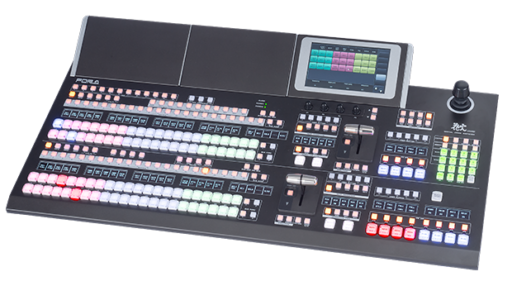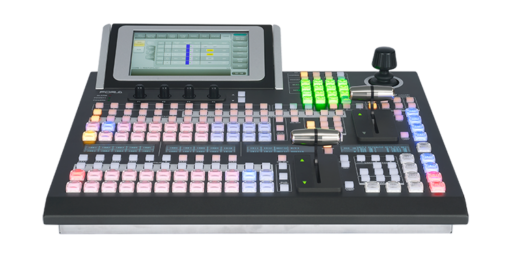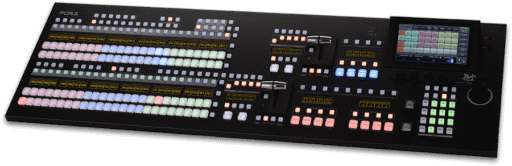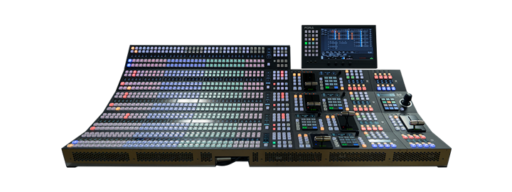


Upgrade your production with FOR-A video switchers
and ClassX LiveBoard Mini.
Features
Easiest broadcast graphics playout for your NDI® or SDI workflow
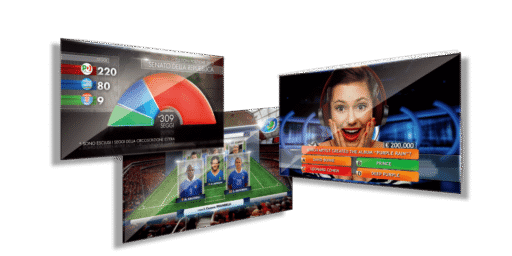
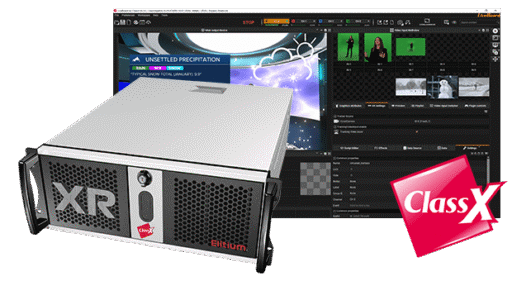
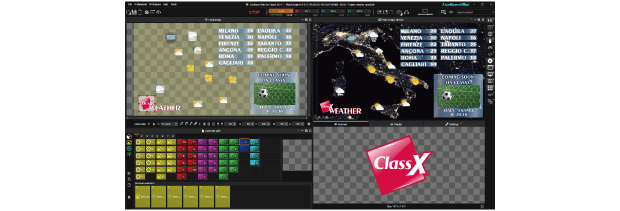
LiveBoard Mini allows you to manage the real-time live graphics of your productions in a SDI or NDI® workflow. It is a little jewel among the professional broadcast graphics playout products, powerful and versatile: create eye-catching graphics with the integrated plugins and/or insert NDI® Sources for great Picture-In-Picture DVE transitions on endless layers. Explore the pre-loaded Weather, Sports, News and PIP projects in order to see the potentials of your LiveBoard Mini. Can be installed on a mobile gaming laptop with external output device or on a classic workstation.
14 integrated PLUGINS
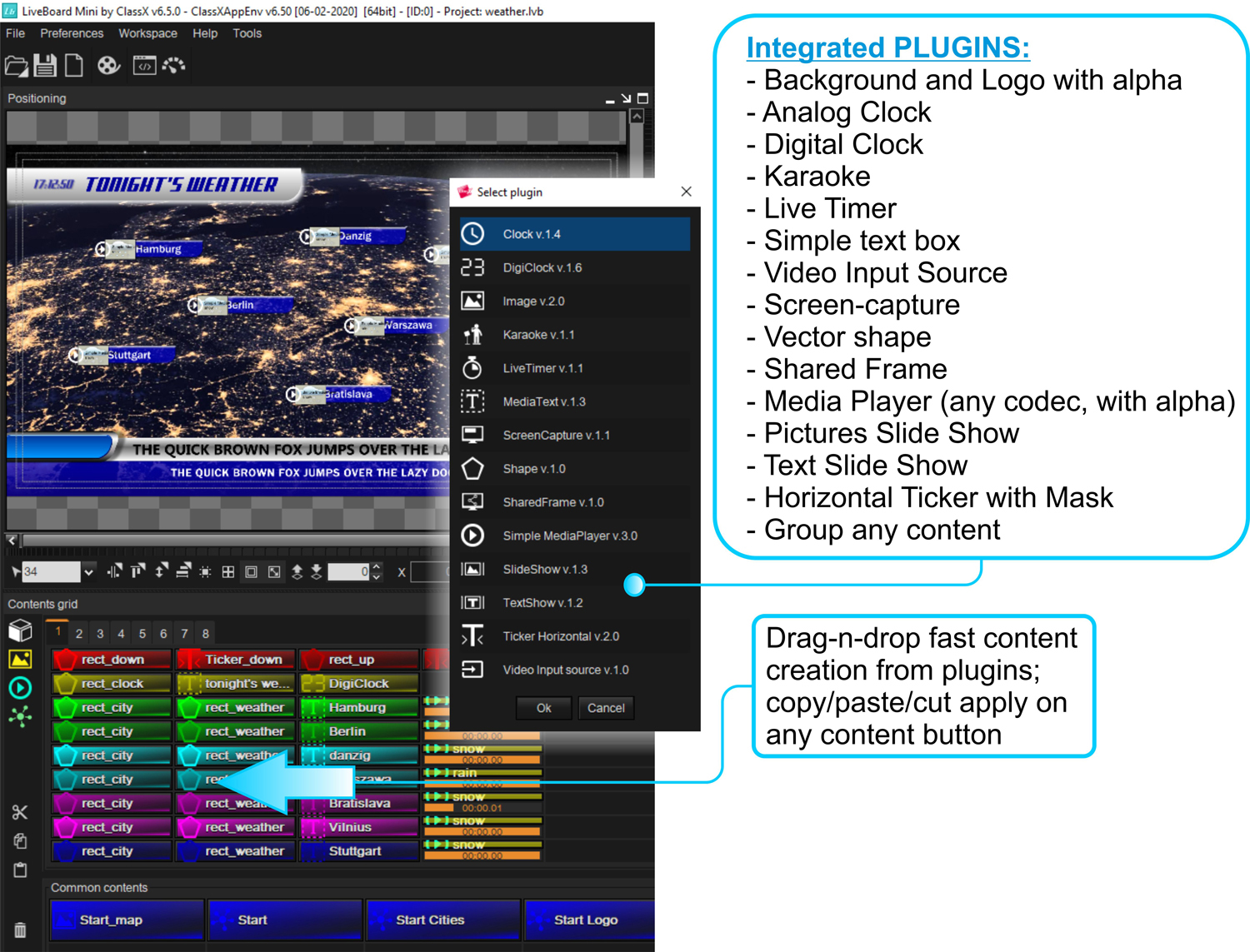
LiveBoard Mini allows productions to create the professional graphic make-up for their programs by adding contents on endless layers with the available 14 different integrated PLUGINS.
Manage your broadcast graphics on endless layers and create new layouts including audio or video clips and live graphics; there are no limits in the number of PLUGINS that you can add.
Easy to learn, logical to apply, handy to manage.
Uses NDI® Technology in input and output
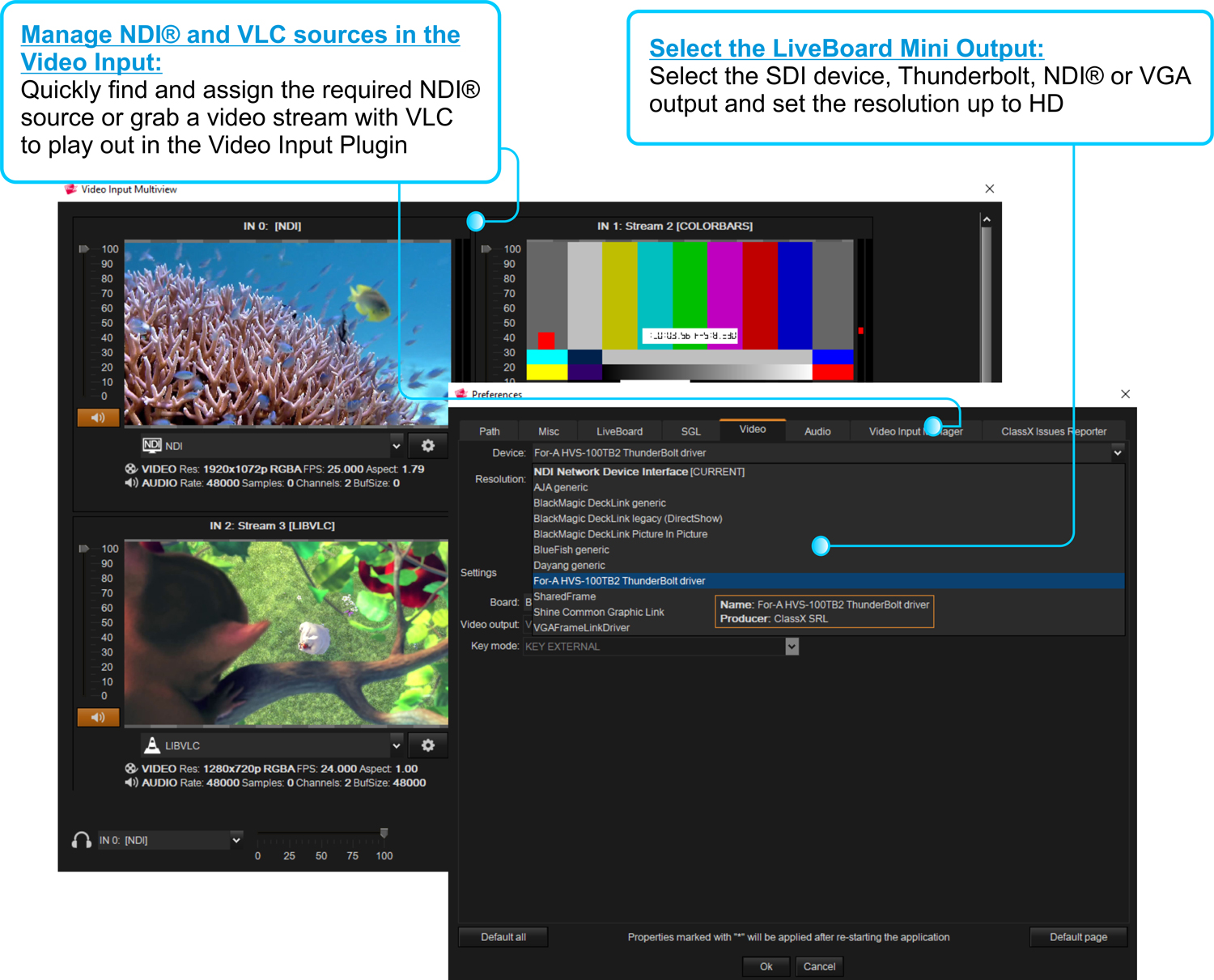
Up to 10 different LiveBoard Mini input channels can be assigned to as many different NDI® sources. Open the MultiView to manage them.
The Output Device can be set to NDI®, SDI or VGA and the output resolution goes from custom to ultra HD, interlaced or progressive.
Project sharing and distribution
The built-in ProjectPacker will shrink the whole project resources, templates and even fonts into a tiny, comfortable, single file, ready to be flawlessly imported to other LB workstations.
Great features for your channel branding
Apply your channel logo with a click. Create the smoothest crawls, any number of them, with different speeds and looks and information, in any language. Apply in/out animation effects on the Integrated Plugins, use the MediaPlayer with MarkIn/MarkOut and the FrameMarker Feature for some simple automations.
Personalizable intuitive interface
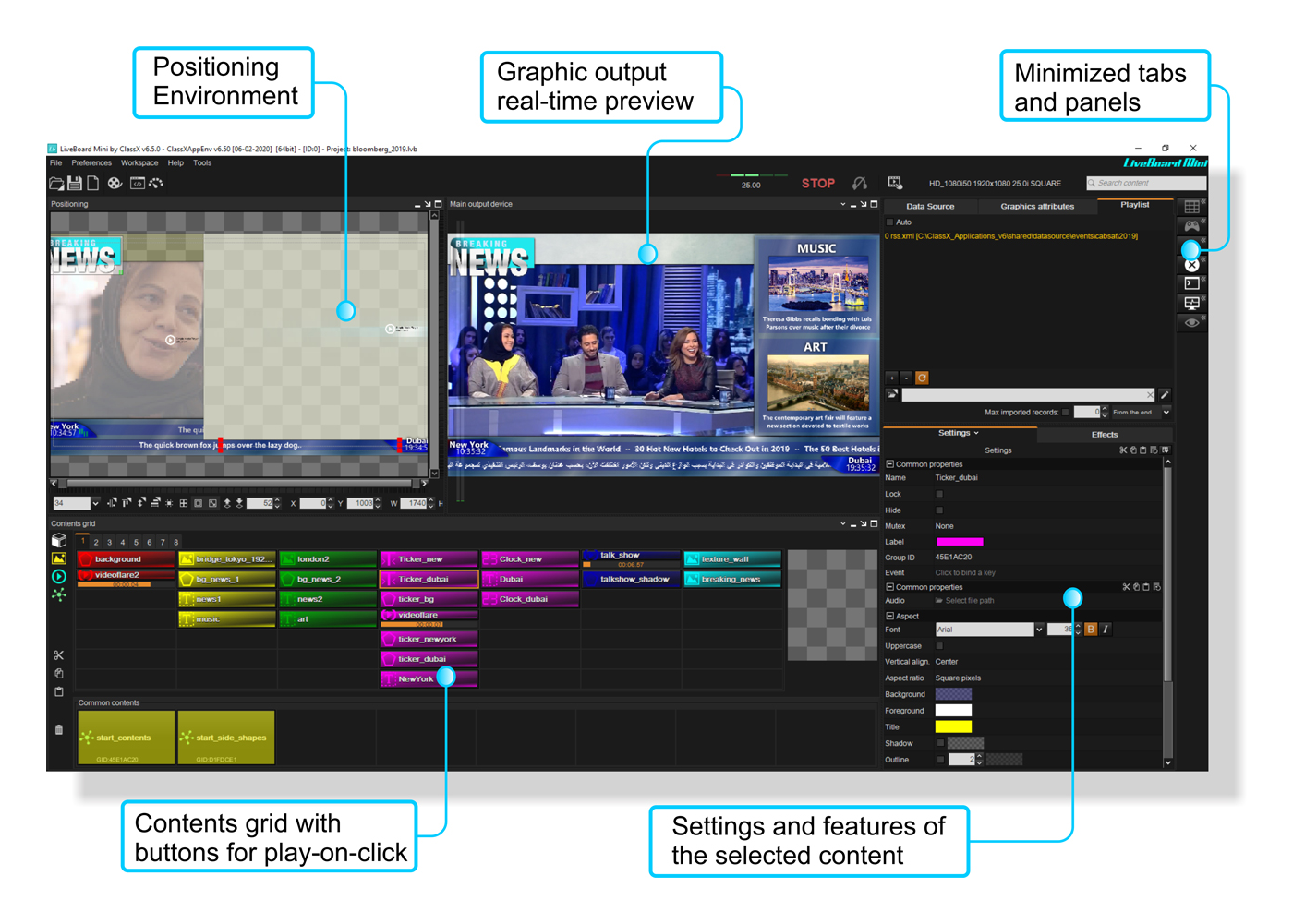
Operators get the hang of LiveBoard Mini within minutes; training times are extremely reduced and any feature the graphic technician looks for is just there where it is assumed to be.
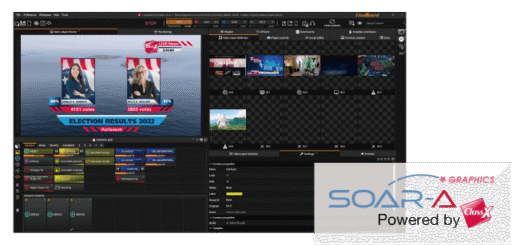
The Interface is dockable and can be personalized with individual workspaces.
Tutorial Videos
User Interface
How to run and setup the example projects in your distribution
Quick Content Creation
Explains the logic of graphics content creation with LiveBoard Mini, that you’ll find orthogonally in every ClassX product. Made to be user friendly, thoroughly documented and super rich in features.
LiveBoard Mini System Requirements
- Windows 10/11
- i7 processor or above
- 16GB RAM DDR3 or more
- NVIDIA graphic board for gaming, GTX or RTX
- SDI output card (DeckLink, Bluefish444, AJA)
- No Windows Remote Desktop control of the demo unit possible
Closely integrated with FOR-A Video Switcher
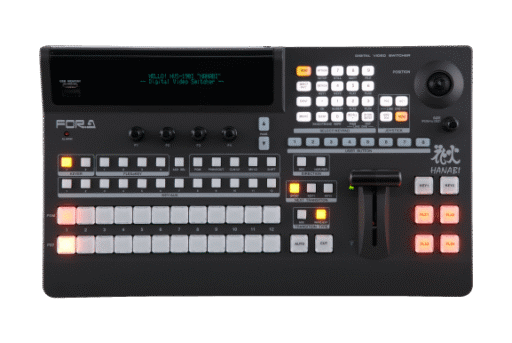
ClassX LiveBoard software perfectly fits into those workflows where the operator needs to trigger broadcast graphics playout from a FOR-A video switcher. The FOR-A video switcher and LiveBoard are connected to the FOR-A ControlPanel Connector via TCP/IP.
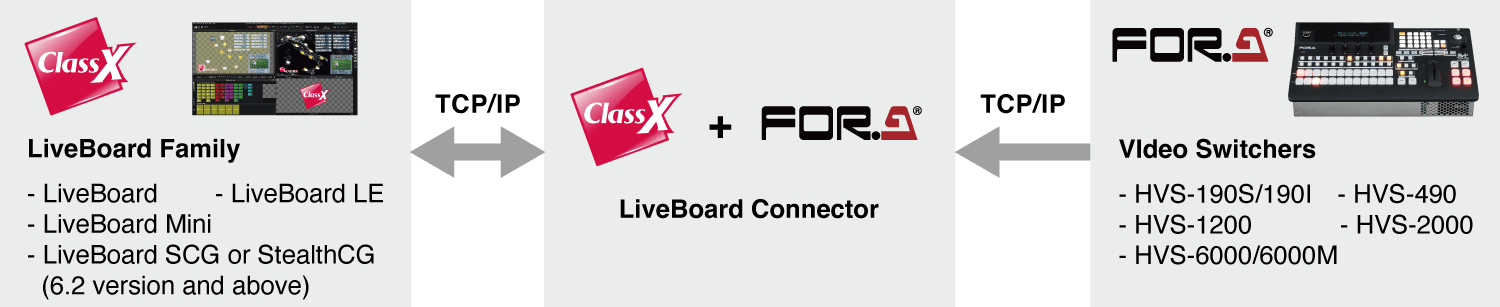
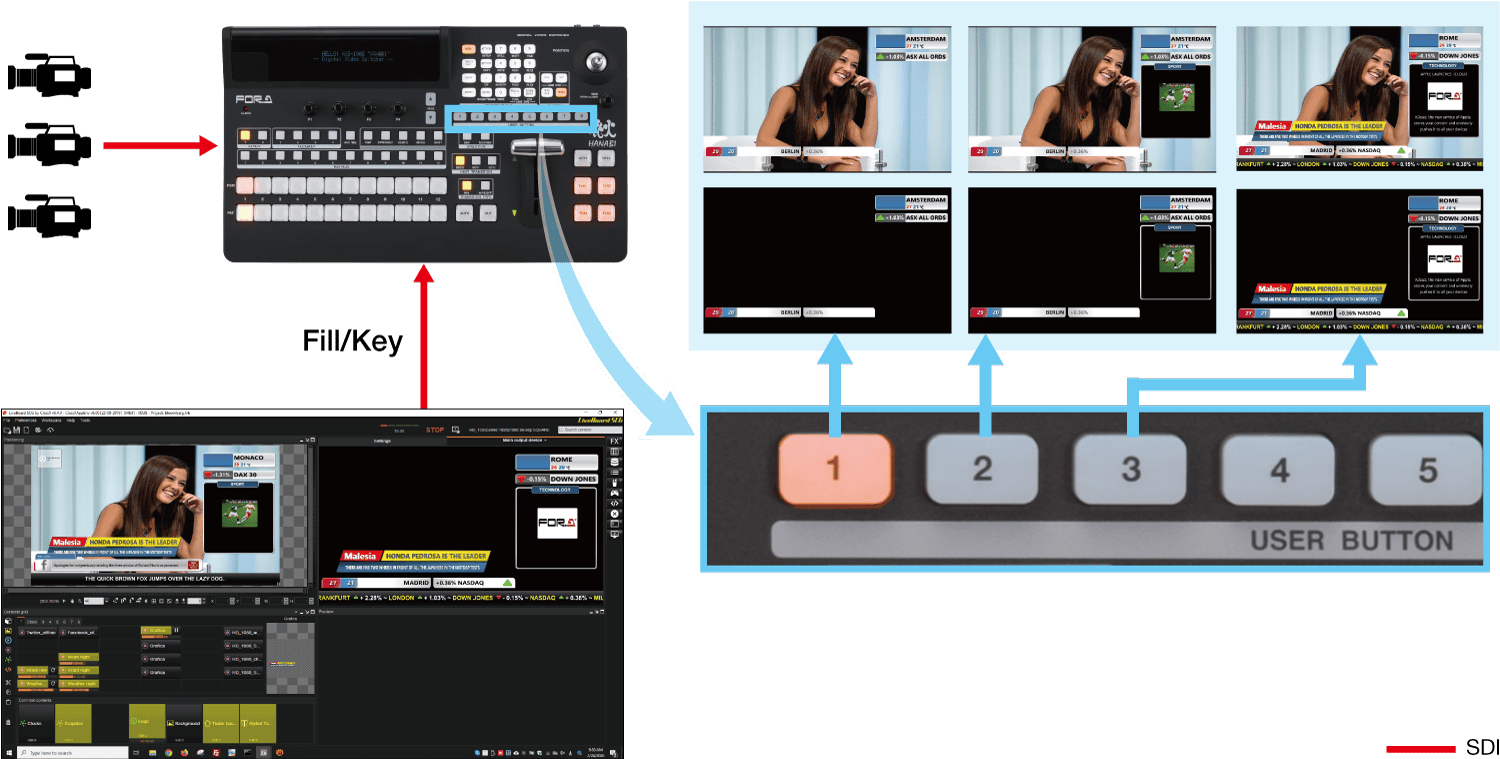
The Contents grid in the ControlPanel Connector contains 8 default buttons to control as many contents in LiveBoard. These buttons are also linked to the USER BUTTONS on the FOR-A video switcher. Graphics created in LiveBoard can be used for takes performed from the USER BUTTON.